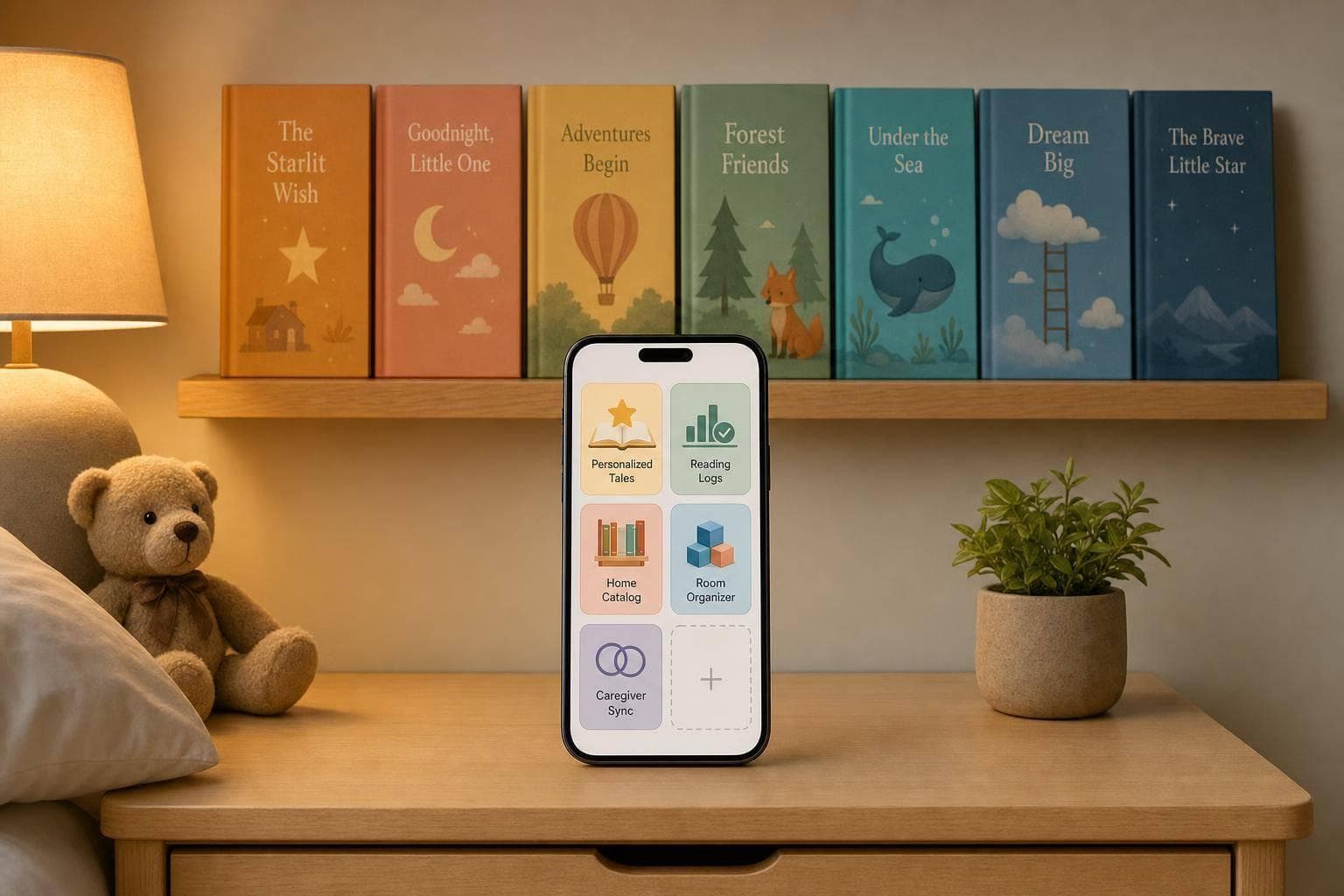
Top 5 Apps for Managing Bedtime Story Libraries
If bedtime feels slow because you’re hunting for the right story, the best app is the one that fits your routine. I’d sort these five apps into five jobs: new stories, reading logs, home book cataloging, room-by-room book finding, and caregiver sharing.
Here’s the short version:
- Kidooki: best if you want a new personalized story each night
- Little Library: Reading Log: best if you want to track what was read
- Little Bookshelf: best if you want to list the books you already own
- ShelfNest: best if your books are spread across the house
- StoryKeeper: best if more than one adult handles bedtime
I’d look at a few things first: child profiles, favorites, search, reading history, dark mode, offline use, and price in U.S. dollars. That matters because many families are juggling more than one child, more than one caregiver, and the same bedtime window every night.
A simple way to think about it:
- If your child wants something new, pick a personalized story app
- If you want to avoid repeats, pick a reading log
- If you own lots of print books, pick a catalog app
- If books move from room to room, pick a location-based organizer
- If adults switch off bedtime, pick a shared tracking app
Quick Comparison
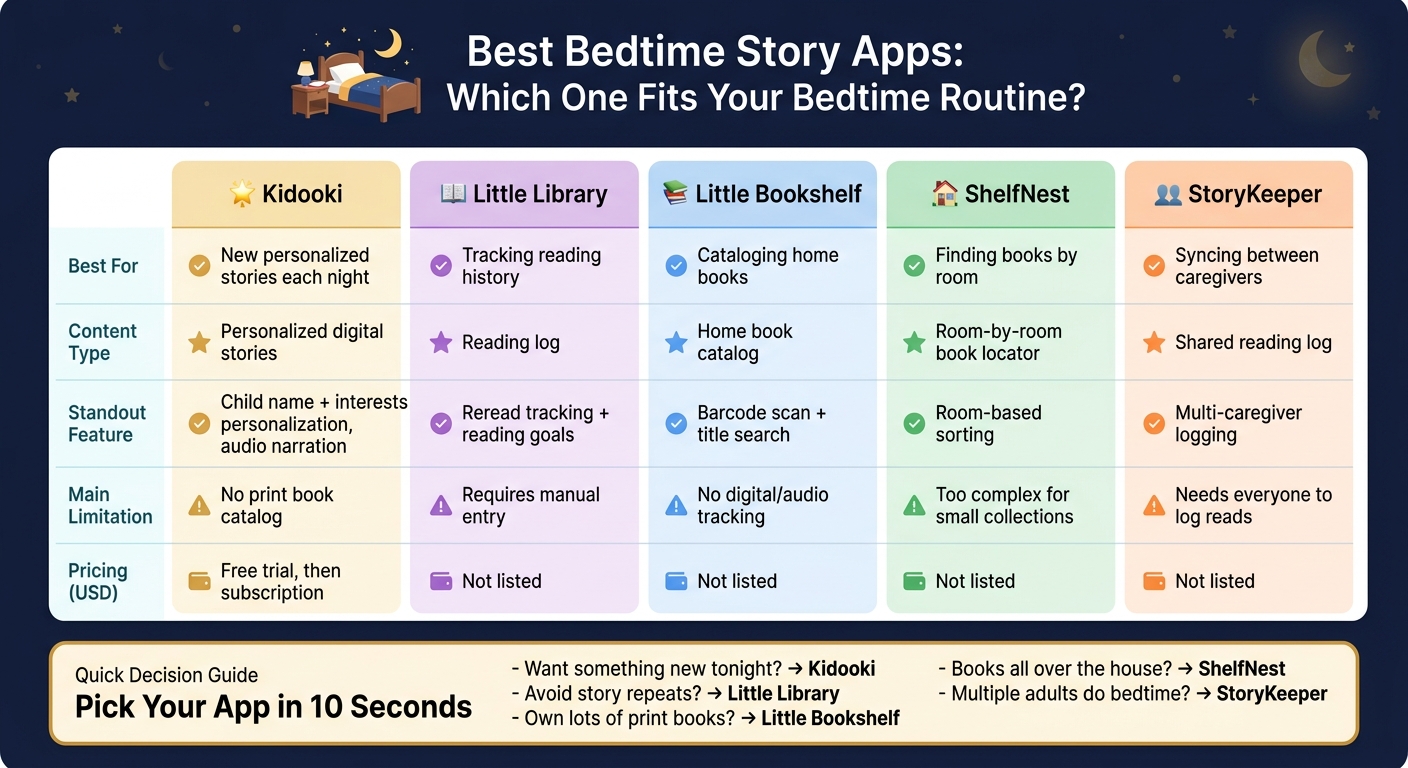
Best Bedtime Story Apps: Side-by-Side Comparison
| App | Best For | Main Features | Main Limitation | Pricing |
|---|---|---|---|---|
| Kidooki | New bedtime stories each night | Personalized stories, audio, saved favorites, child profiles | No print book catalog | Free trial, then subscription |
| Little Library | Tracking reading history | Reading log, reread tracking, goals | Manual entry | Not listed |
| Little Bookshelf | Listing home books | Barcode scan, title search, favorites | No digital or audio tracking | Not listed |
| ShelfNest | Finding books by room | Room-based sorting | May be too much for small book sets | Not listed |
| StoryKeeper | Shared bedtime tracking | Multi-caregiver logging | Works best when everyone logs reads | Not listed |
From there, I’d make the pick based on the one problem you want to fix first: finding stories, tracking stories, or keeping everyone in sync.
sbb-itb-d6d0693
How to Choose a Bedtime Story Library App
Use these three filters to find the best fit fast.
Match the App to Your Family's Story Format
Start with how your family actually does bedtime. That matters more than flashy extras.
If you already have a stack of books at home, a book-catalog app may make the most sense. If your kids want something new each night, a personalized story app can help. Want bedtime to stay screen-free? Go with an audio-first app. And if more than one adult handles bedtime, a reading log can make handoffs much less messy.
The goal is simple: pick the format that helps you find the right story fast, keep siblings' picks from getting mixed together, and share reading history across caregivers without hassle.
Features That Make Bedtime Easier
Focus on the tools your routine will use most. In practice, that often means:
- Sibling profiles so each child has their own space
- Favorites for the same books your kids ask for again and again
- Search when you need a bedtime pick in a hurry
- Reading history for shared caregiving
- Dark mode for late-night reading
These small details can make a big difference when everyone's tired and you just want bedtime to go smoothly.
Privacy, Access, and Pricing
Privacy comes first, especially with kid-focused apps. Look for the basics: limited data collection, no kid-targeted ads, and no open social features.
For pricing, think about how the app works over time. Subscriptions usually make more sense for apps that add new stories often. One-time purchases are often better for fixed catalogs.
Before paying, check what the free version gives you and what sits behind the paywall.
Use these filters to narrow your shortlist, then compare the five apps below by best fit.
Top 5 Apps for Managing Bedtime Story Libraries
Pick the app based on the bedtime job you want handled best: finding new stories, keeping a reading log, cataloging books at home, organizing books across rooms, or syncing notes between caregivers.
Kidooki: Best for Personalized Nightly Stories and Saved Favorites
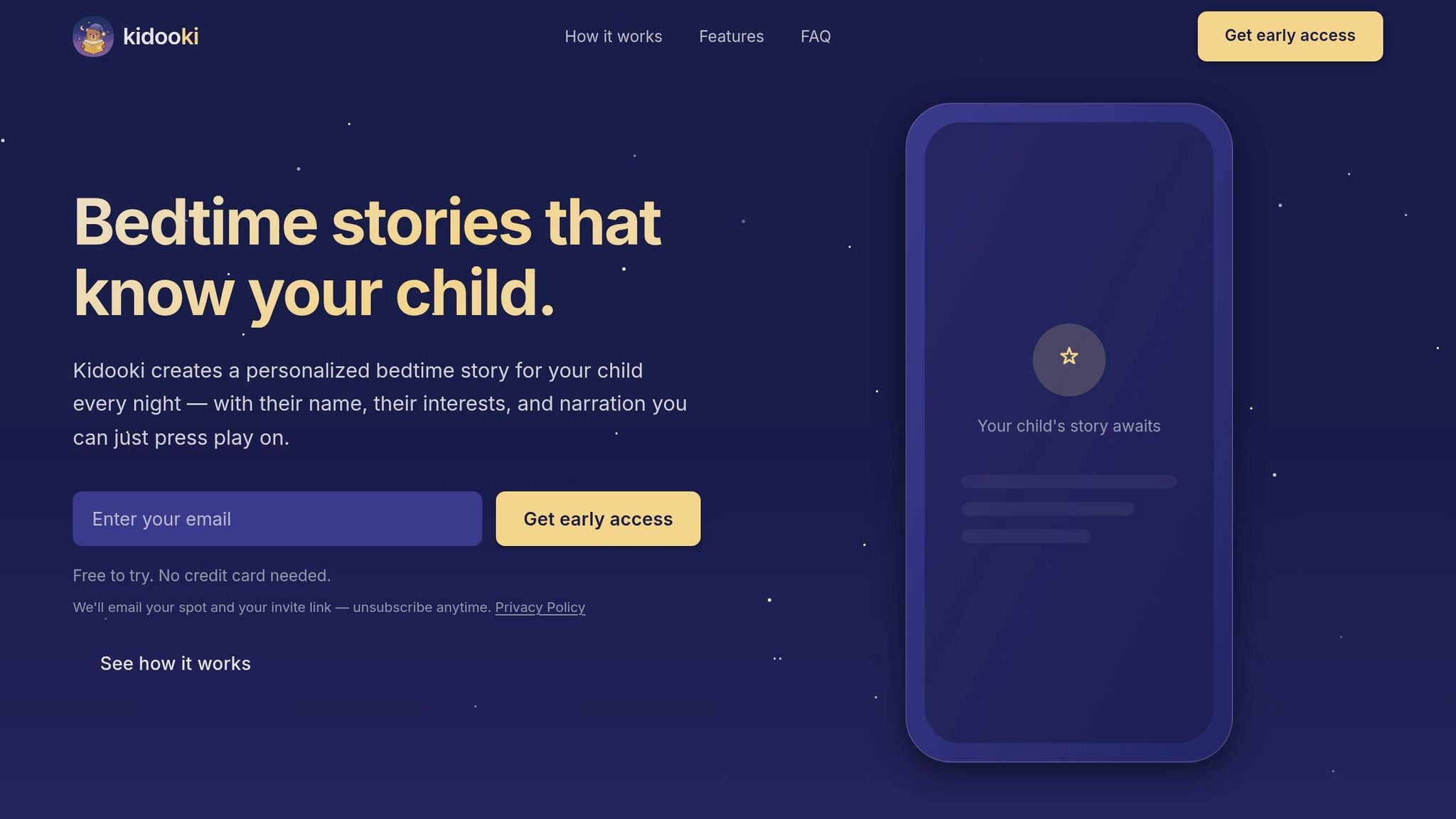
Kidooki is a good fit for families who want a new story each night without having to hunt one down. The app creates a personalized story using your child’s name, age, and interests. It also includes audio narration and watercolor illustrations.
You can save favorite stories and set up separate profiles for each child, which helps if one kid wants dinosaurs and another wants princesses. There’s a free trial with no credit card required. After that, access moves to a paid subscription in U.S. dollars.
Little Library: Reading Log: Best for Tracking Bedtime Reading History
Little Library: Reading Log gives parents one place to log bedtime reading sessions, track rereads, and keep an eye on reading goals.
Little Bookshelf: Best for Cataloging Your Child's Home Books
Little Bookshelf helps families catalog books at home by scanning a barcode, searching by title, or entering them by hand. You can also save favorites, which makes it easier to grab a go-to book at bedtime.
ShelfNest: Best for Organizing Books Across the Whole House
ShelfNest helps families organize books across different rooms, so it’s easier to find a title whether it’s in the bedroom, playroom, or living room.
StoryKeeper: Best for Tracking Reading Habits Across Caregivers
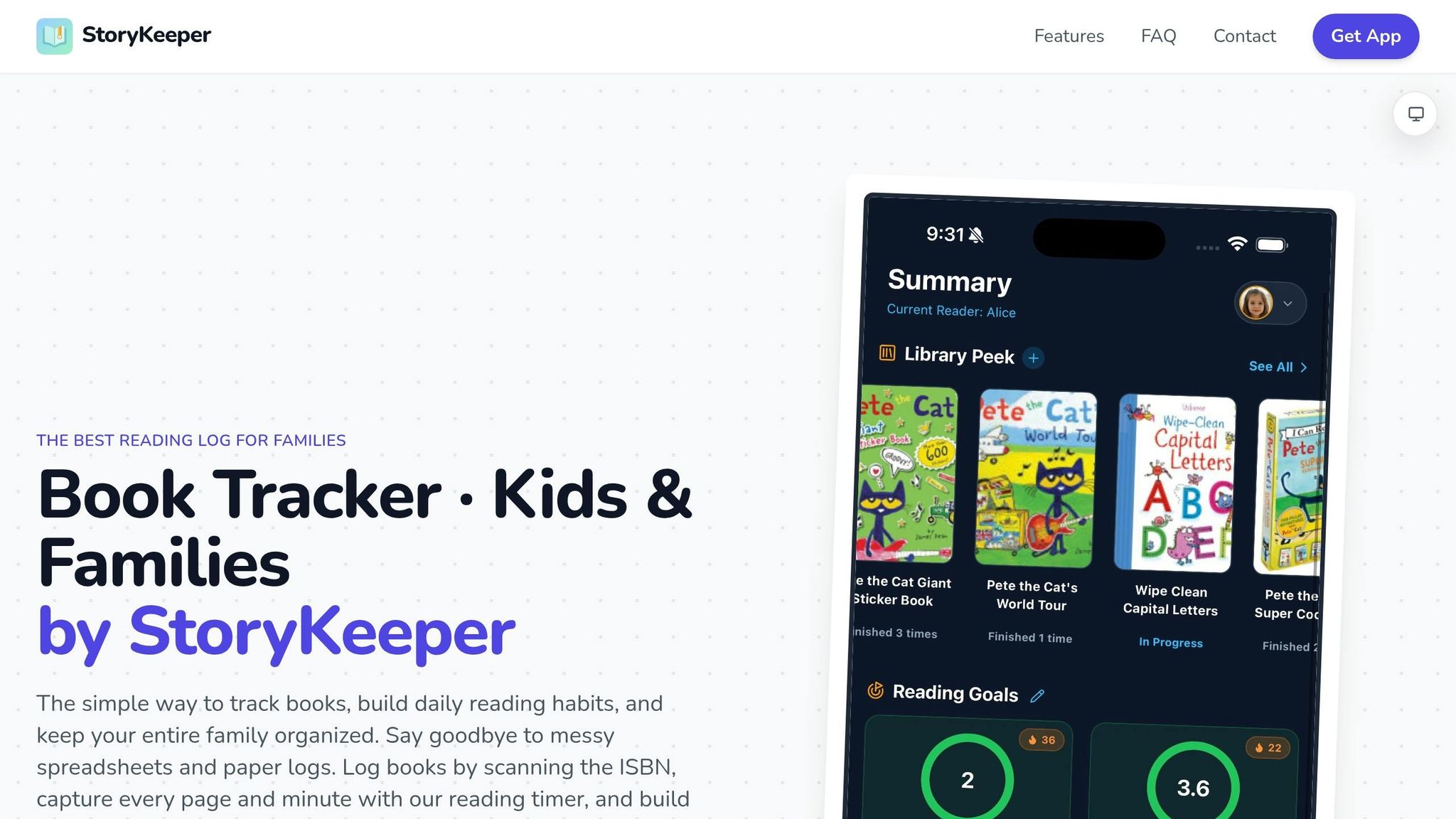
StoryKeeper lets multiple caregivers log what was read, so everyone stays on the same page and the bedtime record remains consistent.
Comparison Table: Which App Fits Your Bedtime Routine
After the app summaries above, this side-by-side view helps you narrow things down fast.
Use the table below to match each app to the bedtime job it handles best.
| App | Primary Focus | Content Type | Library Features | Best Bedtime Use Case | Pricing (USD) |
|---|---|---|---|---|---|
| Kidooki | Personalized Stories | Personalized digital stories | Saved Favorites, multiple child profiles | Creating a new personalized story each night | Free trial; subscription required after trial |
| Little Library | History Tracking | Reading log | History Log | Keeping a record of past reads | Not listed |
| Little Bookshelf | Cataloging | Home book catalog | Home Library List | Managing a child's home books | Not listed |
| ShelfNest | Organization | Room-by-room book locator | Room-by-room sorting | Finding books across the house | Not listed |
| StoryKeeper | Caregiver Sync | Shared reading log | Multi-user Tracking | Consistency between caregivers | Not listed |
Best Picks by Use Case
You can use the table as a quick filter. If your main goal is a new personalized story every night, Kidooki stands out. If you want to track what your child has already read, Little Library is the better fit.
Need help with the books you already own? Little Bookshelf works best for building a home catalog, while ShelfNest makes it easier to find books in different rooms. And if more than one adult handles bedtime, StoryKeeper is the clear pick for shared tracking.
For a faster look at trade-offs, see the pros and cons table below.
Pros and Cons Table for the Top 5 Apps
This table lays out the main give-and-take for each app. It’s a simple way to cut your list down before you get to the final pick.
| App | Main Strengths | Trade-offs |
|---|---|---|
| Kidooki | Personalized nightly stories, professional audio narration, calming illustrations, saved favorites, multiple child profiles | Doesn't catalog physical books |
| Little Library: Reading Log | Reading history and milestone tracking | Requires manual logging |
| Little Bookshelf | Fast home book cataloging | Doesn't track digital or audio content |
| ShelfNest | Room-by-room book organization across the whole house | Too much for small collections |
| StoryKeeper | Syncs reading activity across multiple caregivers | Needs coordination across caregivers |
Use these trade-offs to narrow your shortlist before moving on to the final recommendation.
Conclusion: Choosing the Right App for a Smoother Bedtime
Use the comparison table to make your final pick fast. Before you subscribe, check the total cost and the profile limits.
Key Points to Remember
Match the app to the main job you need it to do: personalized stories, reading logs, home-book cataloging, or caregiver sharing.
Put simply, Kidooki is built for families who want a new personalized story every night. Choose the app that makes bedtime faster, calmer, and easier to do again tomorrow.
FAQs
How do I choose the right bedtime story app for my family?
Look for an app that creates personalized bedtime stories with your child’s name, interests, and age in mind.
A few things matter most here:
- Professional narration so the story feels smooth and soothing at bedtime
- Calming illustrations that set a quiet, cozy mood instead of overstimulating kids
- Multiple child profiles if you’re using the app for more than one child
- A way to save favorite stories for the nights when your child wants the same one again
- A safe, high-quality, age-appropriate experience that feels made for bedtime, not just screen time
Put simply: you want something that feels personal, easy to use, and gentle enough for the end of the day.
What features matter most for bedtime reading?
The most important features are personalization, professional audio narration, and calming illustrations that fit the child’s age. Those three things do a lot of heavy lifting. They make each story feel more engaging while also helping bedtime feel quiet, soothing, and easier to settle into.
It also helps when the app includes multiple child profiles and a way to save favorite stories. Small details like these can make bedtime simpler, more consistent, and safer for families.
Are bedtime story apps safe for kids?
Yes. Kidooki is built to give children a safe, calming bedtime experience.
Parents can set up personal profiles and choose age-appropriate stories with soothing illustrations and professional narration. The result is a secure, comforting space families can enjoy night after night.